
How an organisation gets its systems and data back after a serious outage, attack or disaster.
IT disaster recovery is the set of arrangements an organisation uses to bring its systems, data and connections back after a serious disruption. The cause might be a cyber attack, a hardware failure, a fire, a flood or a power loss. Business continuity decides which activities must carry on. IT disaster recovery makes sure the technology behind them returns in time.
Many organisations keep backups and assume they are covered. A backup is a safe copy of information. Recovery is the harder job of getting working systems, in the right order, in front of staff and customers again. Without a plan, a perfectly good backup can sit idle while the organisation waits for servers, networks and applications to be rebuilt.
The longer critical systems stay down, the more the disruption costs in lost work, missed obligations and trust.
Systems depend on one another. Recovery has to follow a sequence, so the right services start first.
A cyber incident can spread while it is being dealt with, so the way back must be clear before it is needed.
Agreed recovery targets only mean something when they have been tested against the real arrangements.
Most organisations combine several of these, matching each to how quickly a particular system has to return.
Data is copied to a separate location or device. It is the simplest layer, but it restores information only, not the systems that use it.
A basic second facility stands ready for people to work from. It helps operations continue, but it needs other measures to recover the data.
A second site holds current copies of data and is ready to take over. It costs more to set up and run, and it cuts downtime sharply.
A specialist provider takes over the organisation’s processing in its own cloud. Location matters: a nearby provider may be hit by the same event.
A third party holds copies of the organisation’s data off site. The infrastructure itself is not included.
Fire suppression and backup power help equipment survive some events. They do little against a cyber attack.
Working copies of systems run on virtual machines away from the affected site, which allows more of the recovery to be automated.
A snapshot of a database or a whole virtual machine can be restored to a known moment, provided it is kept out of reach of the incident.
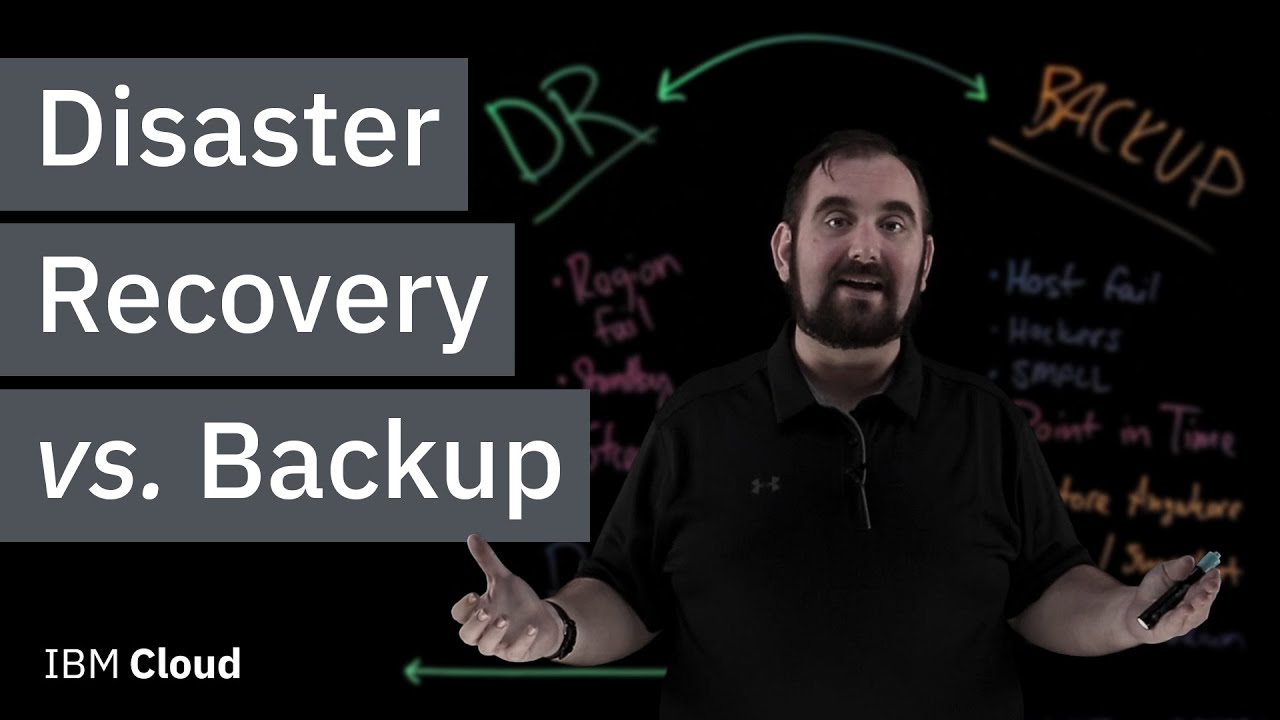
If you would rather watch than read, this short video from IBM Technology explains how disaster recovery differs from backup and why the difference matters.
Bring together IT and the wider business, give each person a clear role and name one leader to coordinate decisions.
Identify the systems the organisation cannot do without and put them in priority order.
Set out the technical steps, the temporary workarounds and the ways to communicate if normal channels are down.
Set how often copies are taken. Two targets guide this: the recovery time objective (RTO) is how long a system can be down, and the recovery point objective (RPO) is how much recent data can be lost. Tighter targets need more frequent copies.
Exercise the plan regularly so gaps show up in practice and not during a real event.
The priorities and targets come from the business impact analysis, which is why disaster recovery sits inside a wider business continuity programme.
A recovery team works best when it mixes technical skill with business judgement.
Starts the plan, coordinates the effort and clears blockages as they appear.
Keeps recovery aligned with what the business needs, using the business impact analysis.
Brings back servers, storage, databases and networks.
Restores the applications in the planned order, with their settings, links and data in step.
Approves the strategy, policy and budget, and helps when obstacles arise.
Make sure each part of the organisation’s needs are heard when plans are written.
IT disaster recovery is one part of a larger picture. Business continuity covers the whole organisation. IT service continuity plans how IT services are kept available or restored, and disaster recovery supplies much of the technical means. Operational resilience is the wider ability to deliver critical services through disruption. ADOX develops its consulting and training in adherence to ISO 22301, UAE NCEMA 7000 and the BCI Good Practice Guidelines (GPG 7.0). See ADOX’s BCM Consultancy page and its business continuity exercises.
We aim to reply to your enquiry within 2 hours.
Source: VMware, What is disaster recovery (DR)?. This guide is ADOX’s own summary, written in its own words, and is not a VMware publication.